
Introduction: The Meeting That Looked Easy (Until It Wasn’t)
You walk into a boardroom, coffee balancing on your laptop, and the big screen blinks hello. The paperless conference system is supposed to save time, trees, and your sanity. You were told that a wireless conference system would make the whole session plug-and-play—no fuss, no cables, no sighs. Yet data says setup issues still eat 12–18% of meeting time, and remote participants drop off 1 in 10 sessions due to audio glitches. So why do “smart” rooms still feel a bit… dumb?
Here’s the twist: most of the pain hides in tiny gaps—device pairing, rogue Wi‑Fi, and uneven sound pick-up that turns the CEO into a whisper. And if the system fails, people grab pens and printouts by habit—funny how that works, right? Let’s unpack what really causes friction, and how to compare your options without needing a PhD in RF physics. Onward to the guts of the experience.
Hidden Frictions in Wireless: What Users Won’t Say Out Loud
Where does the friction hide?
Let’s get technical for a minute. Wireless looks clean, but real rooms are messy RF habitats. Mic units sit near metal tables; phones create bursty interference; access points share channels with the building next door. When QoS is not enforced end-to-end, you hear jitter. When NTP clock sync drifts, lip-sync breaks. And when latency budgets exceed 80–100 ms in a mixed network, crosstalk gets weird and people talk over each other. Edge computing nodes can help with local mixing and echo cancellation, but only if the topology is designed for it.
Now the human layer. People hate pairing screens twice, logging into portals, or waiting for firmware. A “tap to join” that takes six taps is six taps too many. Battery anxiety is real: if a chair mic dies mid-vote, trust dies with it. And without graceful fallback—dual band, channel hopping, or beamforming—the system feels brittle. Look, it’s simpler than you think: map your room’s RF profile, cap device variance, and set clear latency and uptime targets before rollout. Otherwise, the clean desk becomes a cable party.
Looking Ahead: Principles That Make Paperless Meetings Actually Seamless
What’s Next
Here’s a forward-looking lens. The most reliable setups apply three principles: isolate critical audio traffic, make bandwidth predictable, and design for failure. Practically, that means a dedicated SSID and VLAN for conference traffic, packet-level prioritization for audio streams, and a redundant topology with fast failover. Newer systems use adaptive beamforming on microphones, dynamic channel selection, and on-device DSP to keep speech clear even when the room is noisy. Pair that with a streamlined interface and session persistence, and you reduce setup drag by minutes per meeting—across a year, that’s real money.
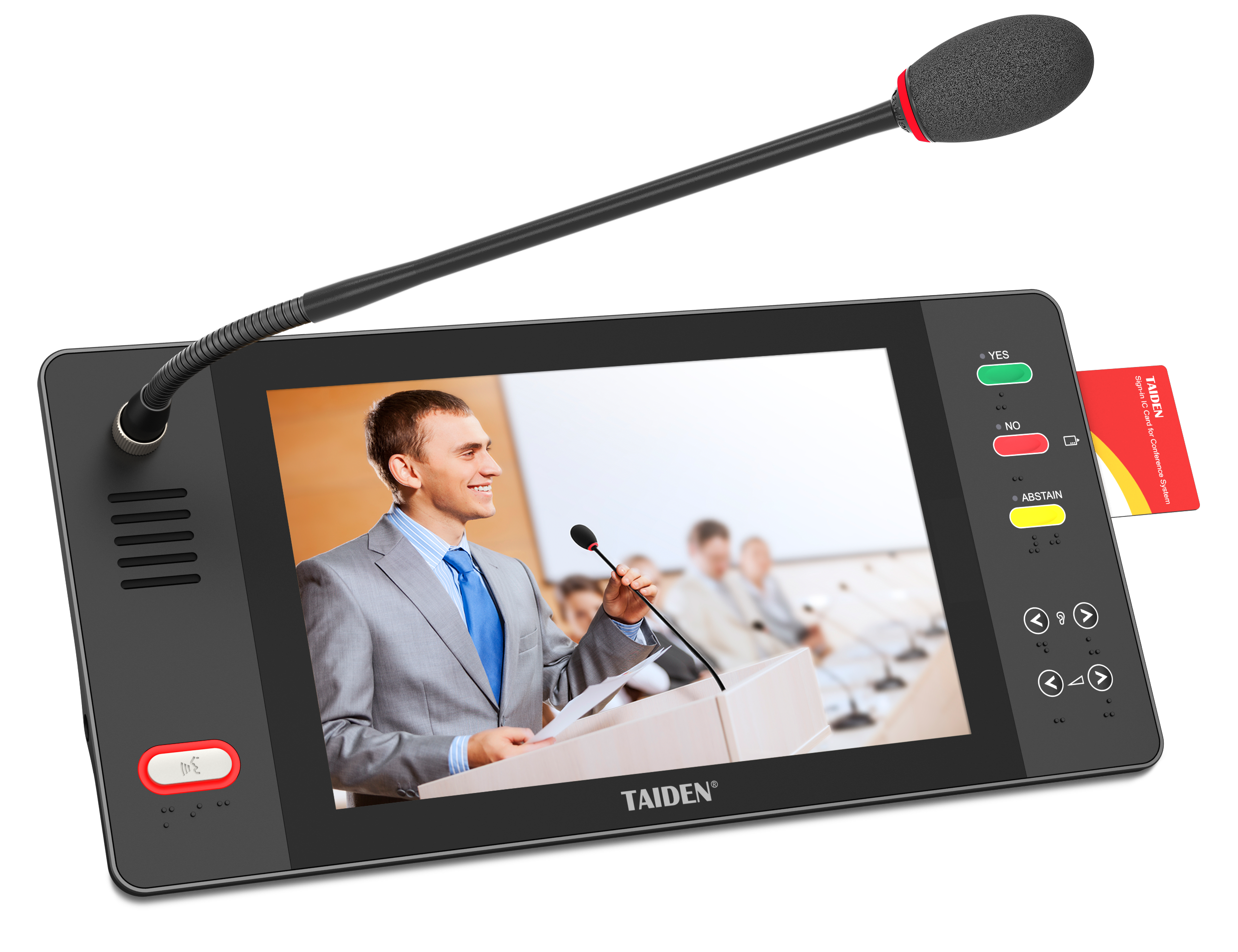
Comparatively, a well-built paperless meeting solution stands out when it handles edge cases: late joiners, mixed BYOD, and a surprise power blip. Encryption keys should rotate without kicking people out. Power converters should keep units stable under load spikes. And yes, batteries must last a full day—no scavenger hunts at 3 p.m. (we’ve all been there). Summing it up: the winners bake resilience into the stack, not into the user’s patience—funny how that works, right?
If you’re choosing among options, use three quick metrics. First, RF robustness: test at 100+ devices with measured packet loss under 1% and end-to-end latency under 60 ms. Second, operational simplicity: one-tap join, zero-touch updates, and recoverable sessions after network hiccups. Third, security posture: AES-256 with per-session key rotation and admin logs you can audit. Do that, and the paper stays in the printer—where it belongs. For more industry context and standards-based approaches, see brands like TAIDEN.