
Opening: The Meeting That Went Sideways
It’s 9:02 AM, and your all-hands has already stalled because the camera won’t switch to the remote speaker. Your on-site team stares at a frozen screen while the client waits. You booked two rooms, tested everything, and rolled out new hybrid meeting room solutions last quarter. Yet here you are, again (coffee in hand, patience thin). Recent surveys say over 70% of meetings now include at least one remote participant, and the number is still rising. So why do so many rooms still struggle with audio drift, camera blind spots, and app handoffs at the worst time?
Let’s be direct: most spaces were built for slide decks, not dynamic, cross-room collaboration. Cables creep. Firmware versions clash. And the moment someone shares video from a laptop, your latency budget collapses—funny how that works, right? The stakes are higher now. Deals depend on clear speech, fast content handoff, and predictable uptime. If the room can’t deliver, the team loses momentum. So, how do we fix what feels like a moving target and make meetings feel simple again? Let’s compare where old setups fall short and where the new wave actually wins.
What Traditional Rooms Miss (and Why It Hurts)
Why do legacy rooms still fail?
Legacy rooms were wired for one-way talk, not multi-source flow. A single USB chain handles camera, mic, and screen share. Then someone adds a hub. Then a dongle. Suddenly, your DSP pipeline can’t keep up. Acoustic echo cancellation fights room noise instead of voices. Beamforming microphones are placed off-axis. And the PoE switch is over‑subscribed, so cameras drop to 720p mid-call. Look, it’s simpler than you think: the room is doing too many conversions. HDMI to USB. USB to IP. Back to HDMI. Each hop adds jitter.
Hidden pain points stack up fast. Control surfaces are inconsistent—one panel per vendor—and yes, that button never works when you need it. QoS is set at the core but ignored at the edge, so packets queue behind screen mirroring traffic. Power converters hum near mic lines and inject noise into the signal path. Even when IT locks firmware, user devices still bring random drivers. The result? Variable lip‑sync, clipped speech, and hosts who stop trusting the room. Reliability isn’t just a feature; it’s the baseline the old stack keeps missing.
How Next‑Gen Systems Change the Game
What’s Next
The newer approach is less about more gadgets and more about better architecture. Intelligent endpoints push compute to edge computing nodes in or near the room, so media never takes a long trip just to come back. Modern codecs like H.265 keep bandwidth tight without trashing detail. Auto-framing uses multi-mic arrays and computer vision to follow speakers without jump cuts. And adaptive QoS reserves a clean lane for voice while screen share rides a separate queue. These principles strip out conversions, tame jitter, and lock in predictable latency. It feels calmer—because it is.
There’s also a shift in how systems interoperate. Cloud MCUs handle multi-tenant traffic while the room stack maintains a local DSP pipeline for instant echo control. Occupancy sensors (UWB or camera-based) pre‑wake devices to avoid “cold start” lag. Admin APIs feed analytics about packet loss, mic pickup zones, and mute errors—so issues get solved before users notice. When you fold in hybrid meeting technology that speaks SIP and Teams/Zoom natively, you avoid brittle adapters. The net effect is simple: fewer hops, smarter routing, and rooms that behave the same every time. That’s the consistency people remember.
Comparative Check: Old Habits vs. Real Gains
Let’s recap without repeating ourselves. Old rooms convert signals too often and centralize compute in all the wrong places. Newer designs keep media local, then publish clean streams out. Traditional installs trust the network core; modern builds tune edge ports, mark traffic, and cap non‑critical flows. Yesterday’s approach used “more gear” as the answer; today’s wins come from coherent workflows—camera, mic, and control bound by one policy. The difference shows up in seconds saved, not shiny boxes. And seconds, across a year, add up to real meetings regained.
In practice, that means fewer mystery dropouts, cleaner beamforming, and stable auto-framing even when laptops swap in and out. It also means support teams spend less time chasing ghosts. Diagnostics surface right in the dashboard, not in a 30‑minute “try this, reboot that” ritual. Your team feels the change as lower friction—shorter setup, clearer speech, steady share. Not magic. Just better engineering and better defaults.
How to Choose: Three Metrics that Matter
Advisory time—because picking gear by brand alone is a coin flip. First, measure end‑to‑end latency under load. Aim for sub‑150 ms room‑to‑remote with content share active; test it, do not trust spec sheets. Second, validate acoustic coverage and clarity. Check SNR at seats, beamformer width, and how the system handles double talk and far‑end clipping. Third, demand manageability: API access, firmware governance, and analytics that report jitter, packet loss, and device health at the port level. If a platform cannot prove it here, keep walking.
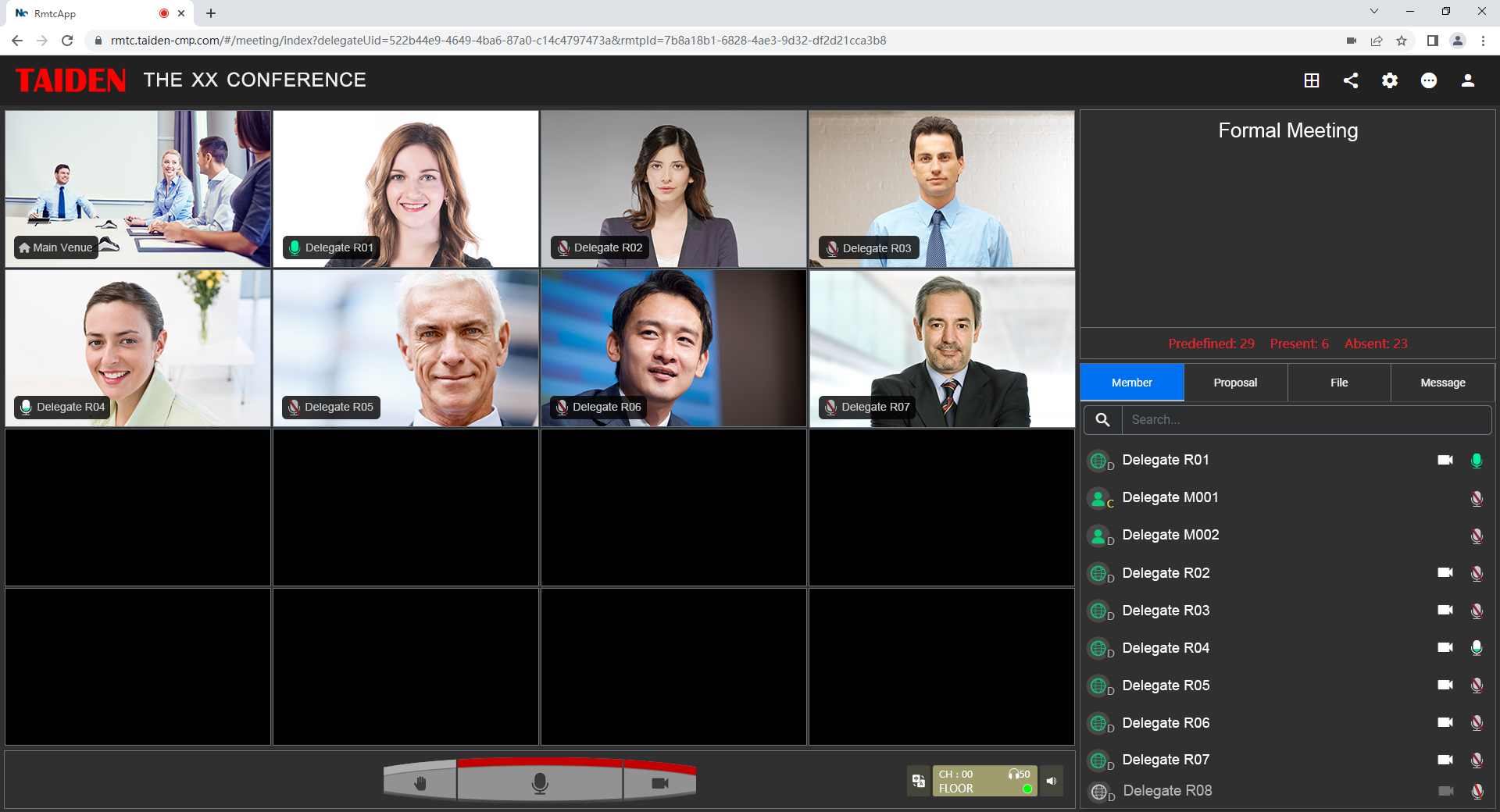
Add nice‑to‑haves after that: PoE+ headroom on the switch, safe thermal design for racks, and clean isolation so power converters don’t pollute mic lines. Verify codec flexibility (Opus plus H.265/AV1), and confirm SIP trunk or RTSP options if you bridge to broadcast or recording. Most of all, run a live pilot with your network policies in place—funny how lab wins vanish without them. When the checklist holds, rooms get calmer, sessions move faster, and people stop apologizing to clients. That’s the point, and it’s achievable with thoughtful design and partners like TAIDEN.